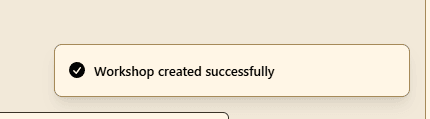
How to Create a Workshop
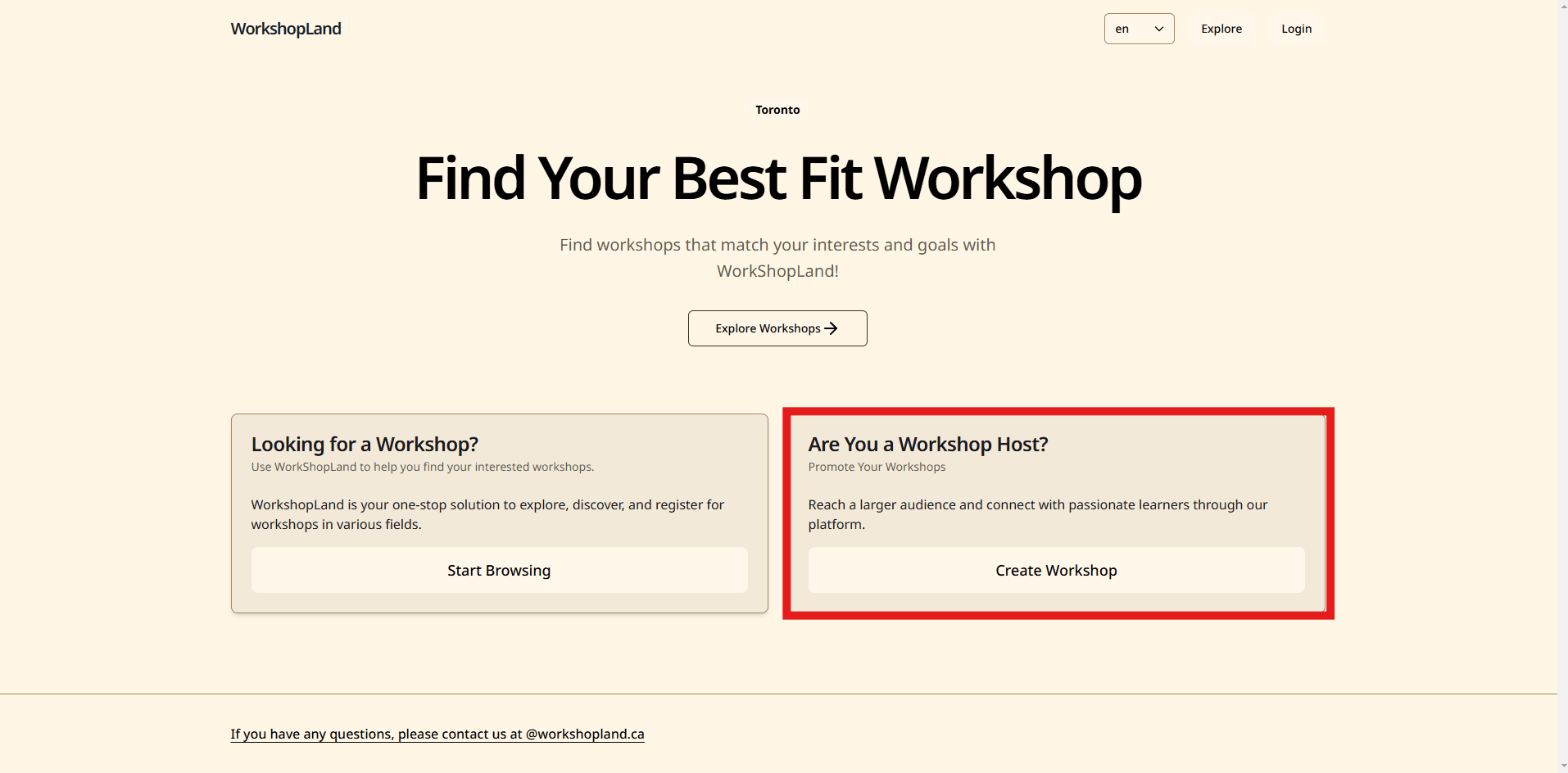
Step 1: Create a Workshop
Click on the 'Create Workshop' button in the Dashboard page
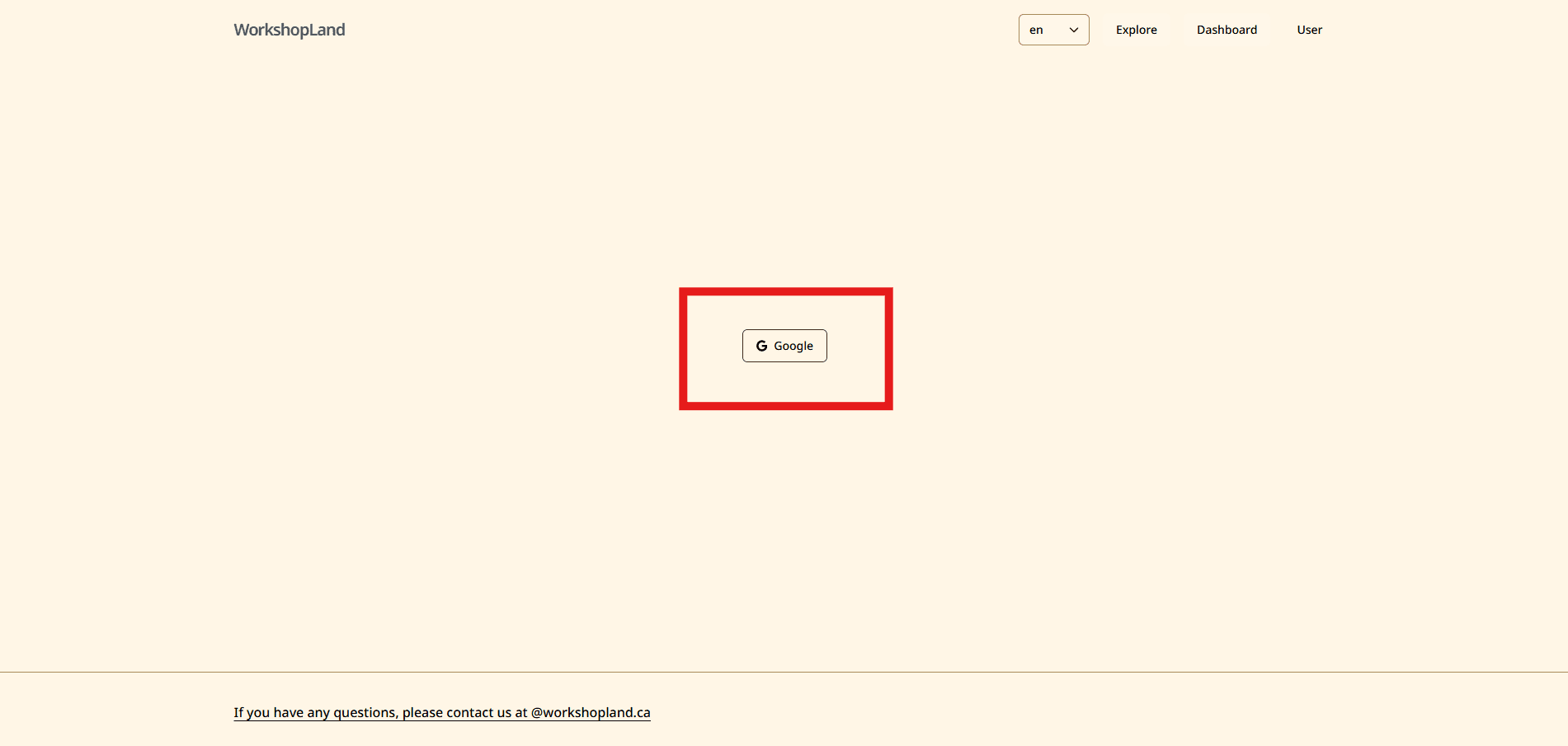
Step 2: Login / Register an account
Click on the 'Login' button in the Dashboard page
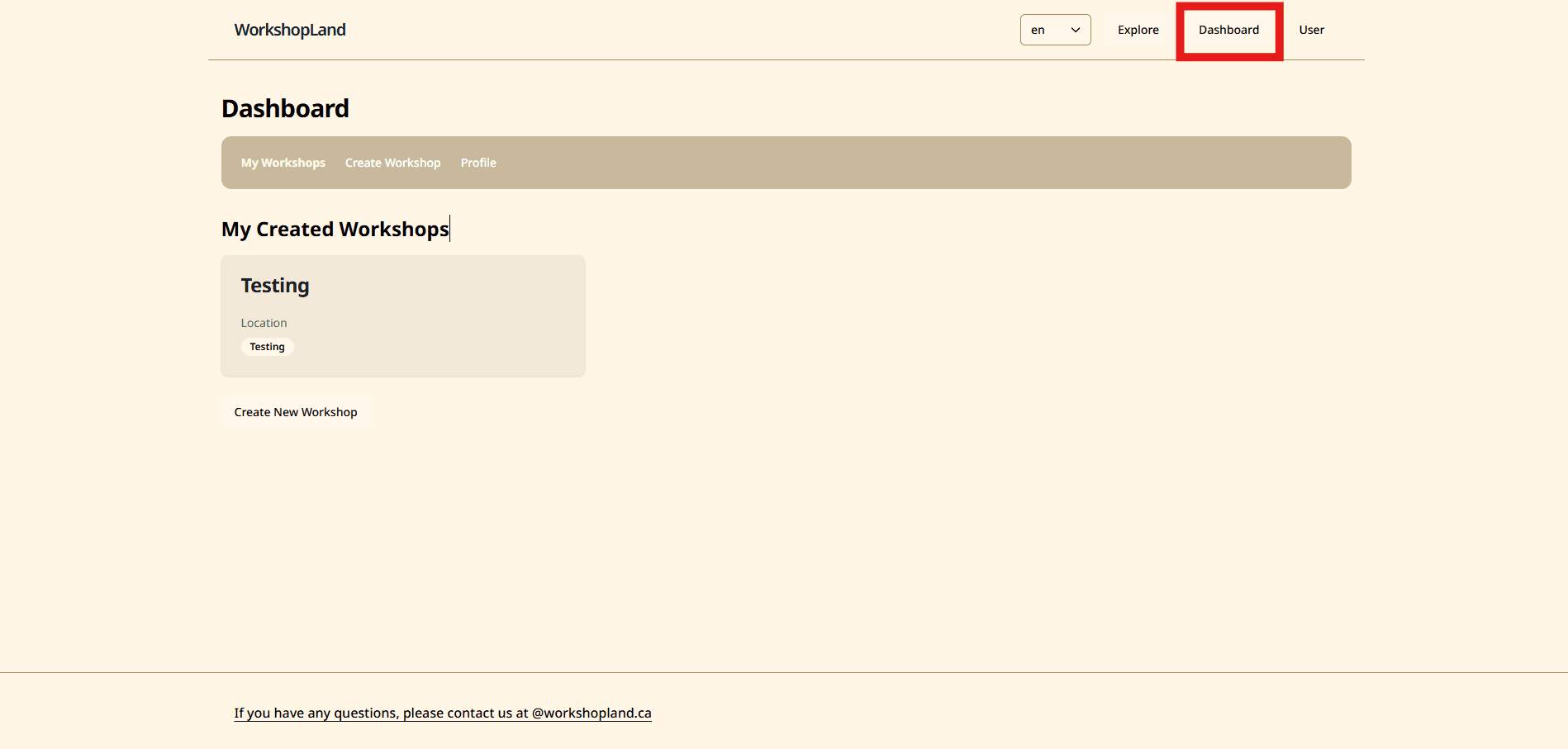
Step 3: Go to the Dashboard page
Click on the 'Dashboard' button in the Dashboard page
Step 4: Click on the 'Create Workshop' button
Click on the 'Create Workshop' button in the Dashboard page
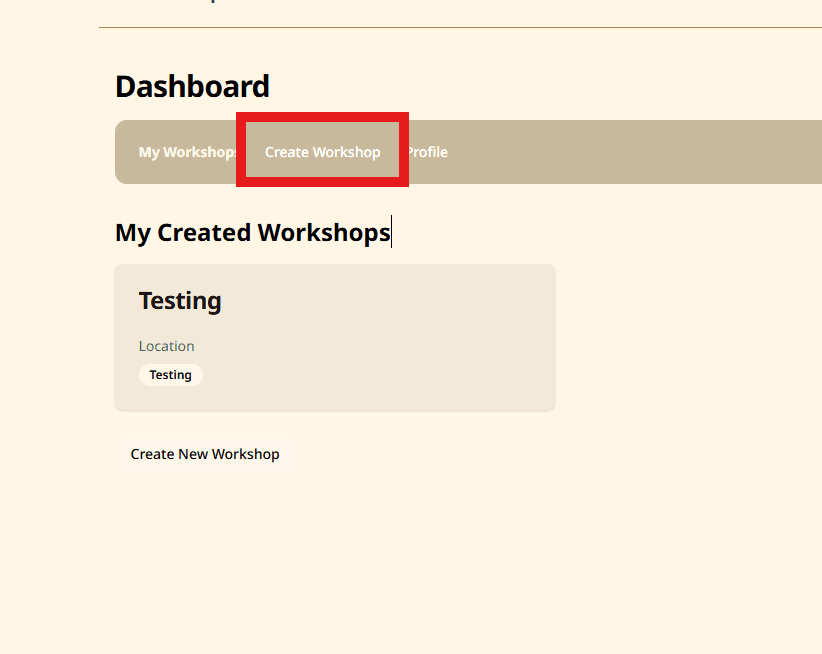
Step 5.1: Fill in the required fields
Fill in the required fields in the Create Workshop page
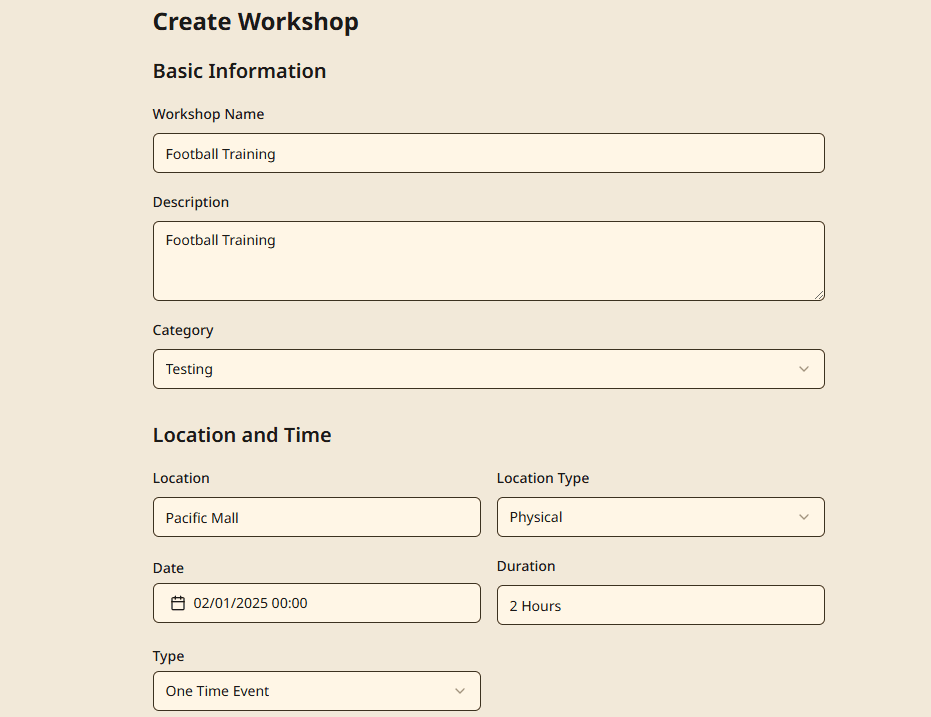
Step 5.2: Contiune fill in more details
Contiune fill in more details in the Create Workshop page
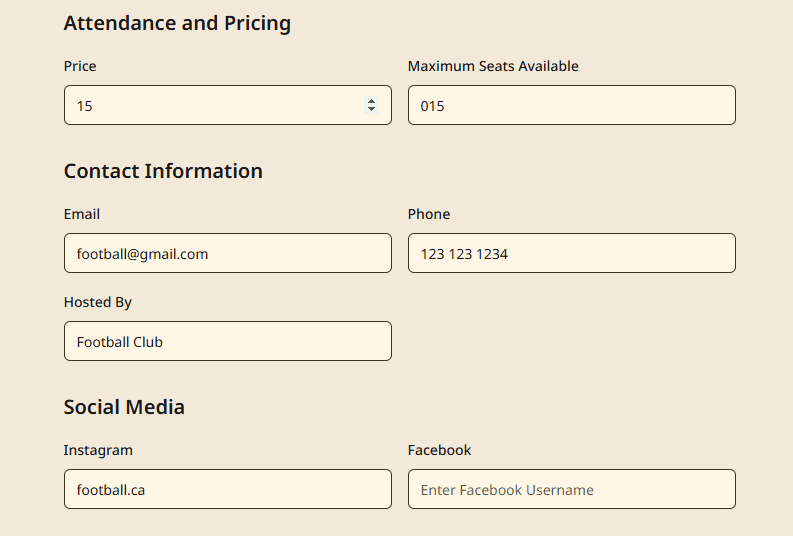
Step 5.3: Contiune fill in more details
Contiune fill in more details in the Create Workshop page
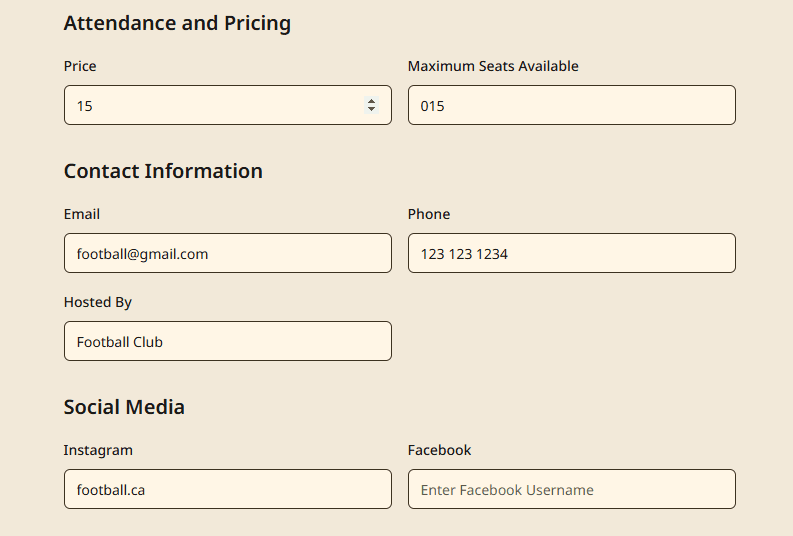
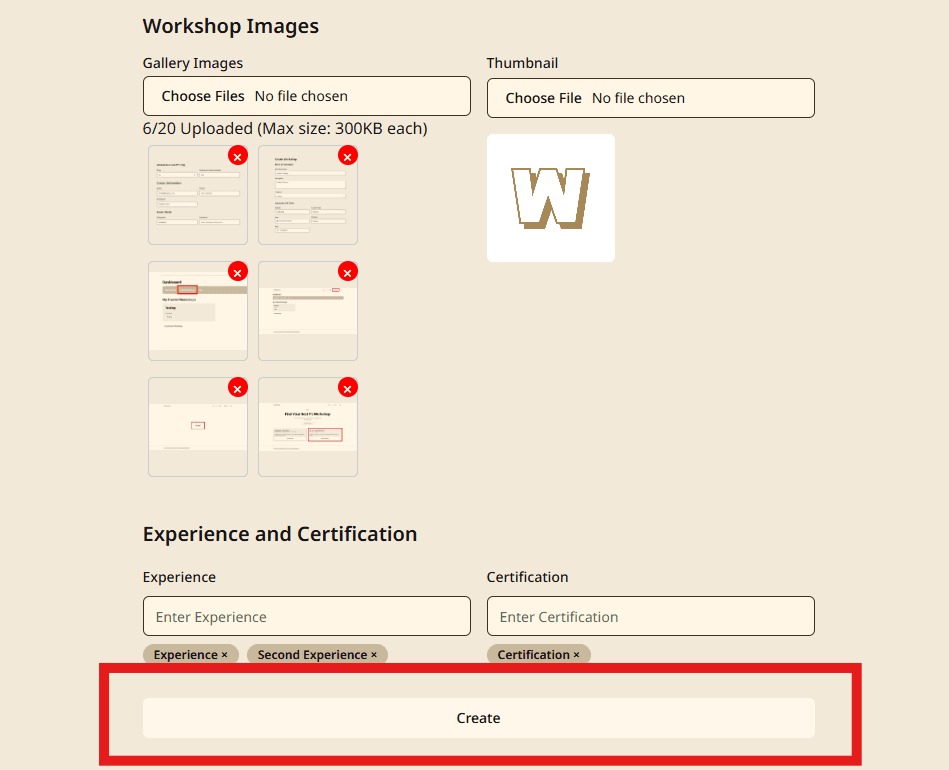
Step 5.4: Upload the workshop images and Click on the 'Create' button
Upload the workshop images and Click on the 'Create' button in the Create Workshop page
Step 6: Wait for the workshop to be created, you will see a success message
Wait for the workshop to be created, you will see a success message in the Create Workshop page